> For the complete documentation index, see [llms.txt](https://docs.revunity.com/llms.txt). Markdown versions of documentation pages are available by appending `.md` to page URLs; this page is available as [Markdown](https://docs.revunity.com/our-products/midnight/midnight-information.md).
# Midnight Information
## What is Midnight?
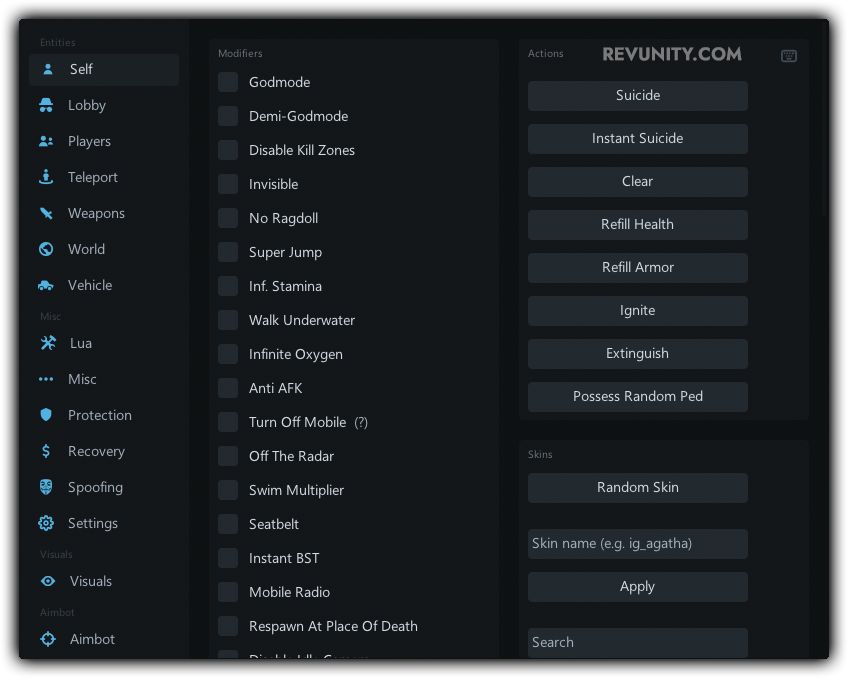
Midnight is a mod menu for the game Grand Theft Auto V. It features a user-friendly, clickable UI that allows players to easily access and activate various tools and modifications. The developers of Midnight have also created software for other popular games such as Counter-Strike: Global Offensive and Apex Legends.
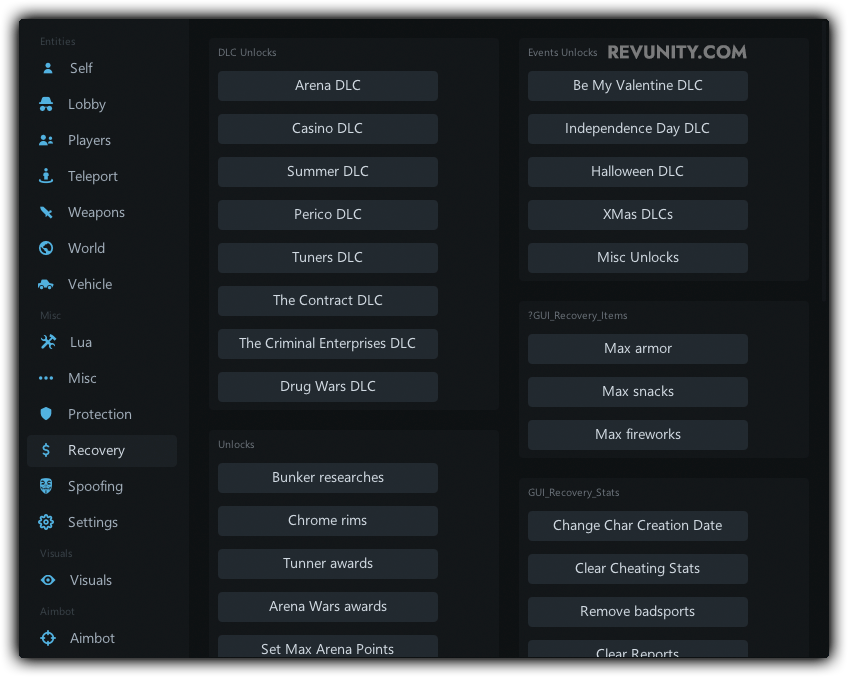
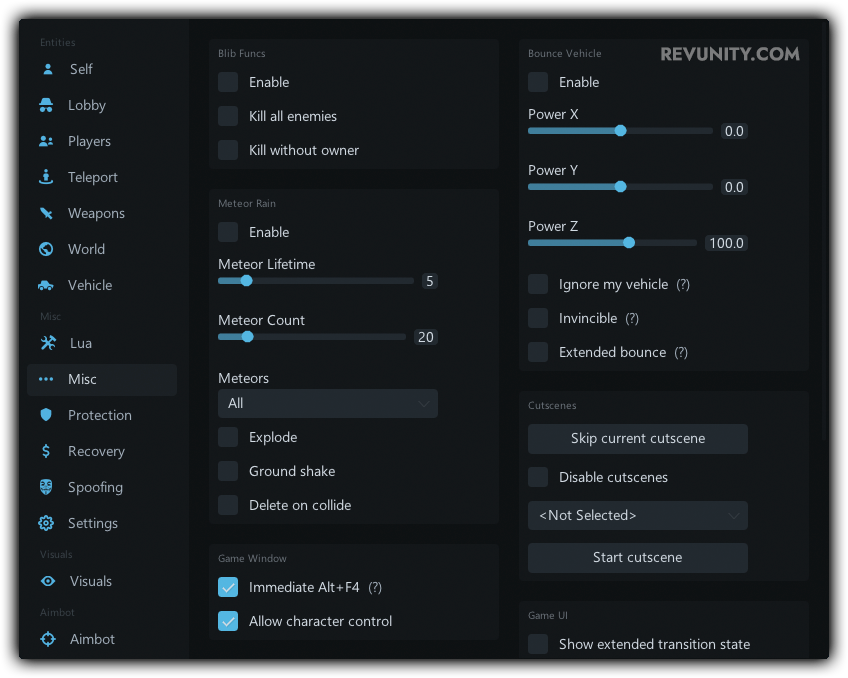
In addition to the clickable UI, Midnight also offers a wide range of modifications for players to choose from. These can include things like spawning vehicles, giving the player infinite money, and unlocking all weapons. It also includes a variety of other features such as an ESP, aimbot, and teleport.
The mod menu is also frequently updated by its developers to ensure compatibility with the latest version of the game and to add new features. The developers are also known for providing excellent customer support to users who encounter any issues with the mod. With Midnight, players can greatly enhance their gameplay experience and have even more fun while playing Grand Theft Auto V.
In this documentation you will learn how to download the Midnight GTA V menu as well as installing it.
## Feature List
{% embed url="" %}
## Midnight Images
## Showcase \[EN]
Coming Soon!
## :desktop: Compatibility
Windows 10 Compatible: ✔
Windows 11 Compatible: :warning:
{% hint style="info" %}
Note: The menu may be untested on Windows 11 and therefore be unstable or not work as intended.
{% endhint %}
 What is Midnight?
Midnight is a mod menu for the game Grand Theft Auto V. It features a user-friendly, clickable UI that allows players to easily access and activate various tools and modifications. The developers of Midnight have also created software for other popular games such as Counter-Strike: Global Offensive and Apex Legends.
In addition to the clickable UI, Midnight also offers a wide range of modifications for players to choose from. These can include things like spawning vehicles, giving the player infinite money, and unlocking all weapons. It also includes a variety of other features such as an ESP, aimbot, and teleport.
The mod menu is also frequently updated by its developers to ensure compatibility with the latest version of the game and to add new features. The developers are also known for providing excellent customer support to users who encounter any issues with the mod. With Midnight, players can greatly enhance their gameplay experience and have even more fun while playing Grand Theft Auto V.
In this documentation you will learn how to download the Midnight GTA V menu as well as installing it.
##
What is Midnight?
Midnight is a mod menu for the game Grand Theft Auto V. It features a user-friendly, clickable UI that allows players to easily access and activate various tools and modifications. The developers of Midnight have also created software for other popular games such as Counter-Strike: Global Offensive and Apex Legends.
In addition to the clickable UI, Midnight also offers a wide range of modifications for players to choose from. These can include things like spawning vehicles, giving the player infinite money, and unlocking all weapons. It also includes a variety of other features such as an ESP, aimbot, and teleport.
The mod menu is also frequently updated by its developers to ensure compatibility with the latest version of the game and to add new features. The developers are also known for providing excellent customer support to users who encounter any issues with the mod. With Midnight, players can greatly enhance their gameplay experience and have even more fun while playing Grand Theft Auto V.
In this documentation you will learn how to download the Midnight GTA V menu as well as installing it.
## 
 Showcase \[EN]
Coming Soon!
## :desktop: Compatibility
Windows 10 Compatible: ✔
Windows 11 Compatible: :warning:
{% hint style="info" %}
Note: The menu may be untested on Windows 11 and therefore be unstable or not work as intended.
{% endhint %}
Showcase \[EN]
Coming Soon!
## :desktop: Compatibility
Windows 10 Compatible: ✔
Windows 11 Compatible: :warning:
{% hint style="info" %}
Note: The menu may be untested on Windows 11 and therefore be unstable or not work as intended.
{% endhint %}